Restricting App Screens

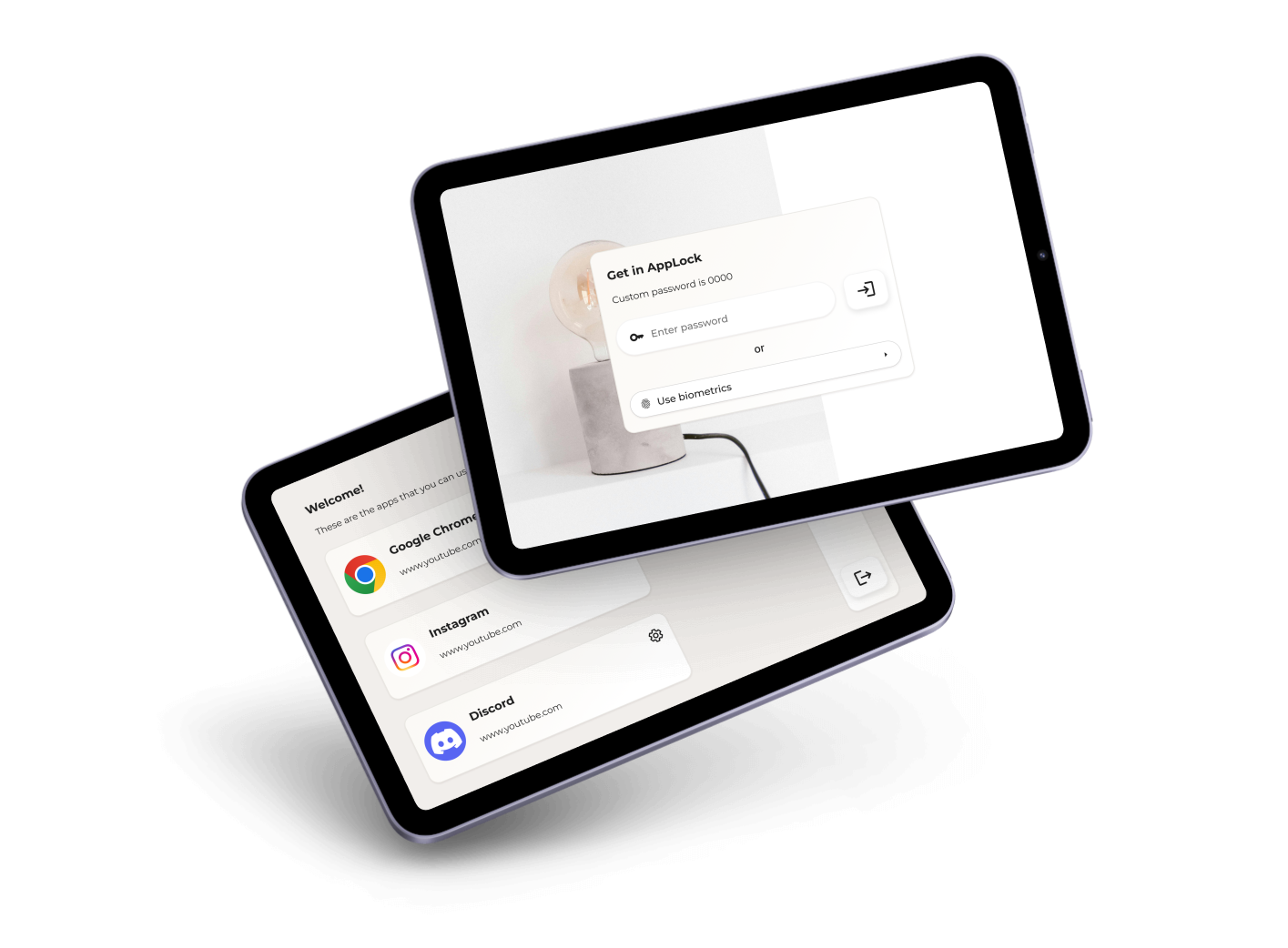
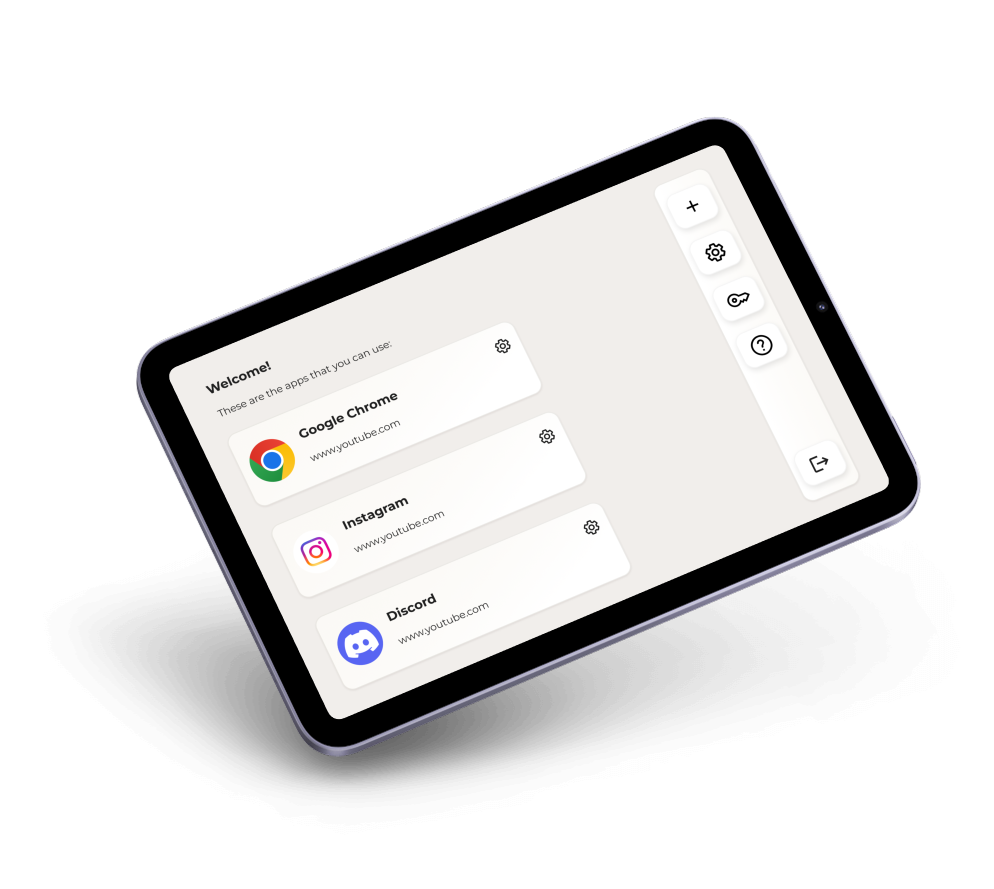
Designed for users who want to lock screens in need of  
Keep scrolling for more
keyboard_double_arrow_down

Context

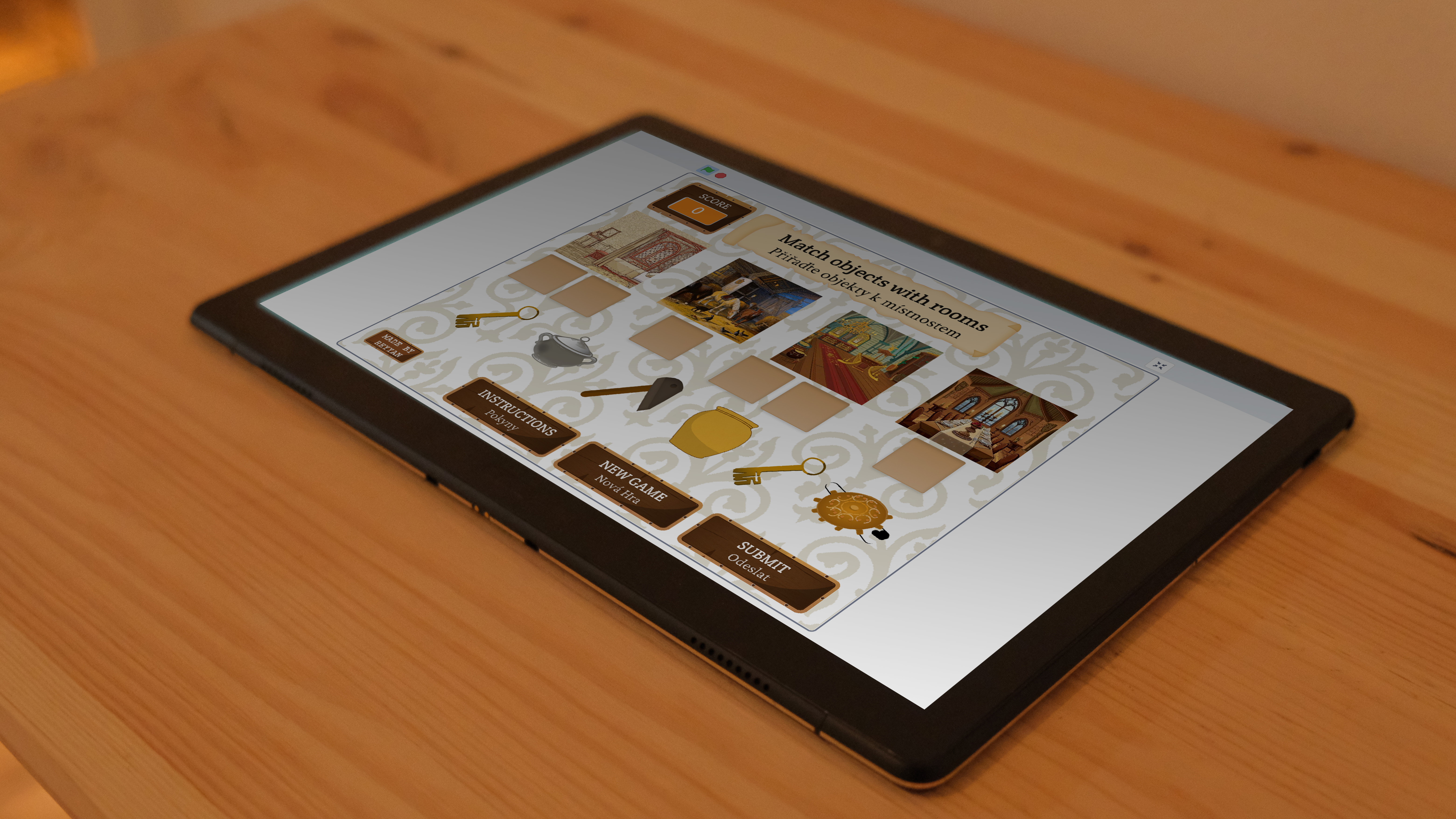
This year, I was preparing for an exhibition. I built a simple game for children by using Scratch. On the day of the exhibition, I wanted to lock the screen of the tablet to hinder users (especially children) from entering other websites other than my game. I downloaded a few application, hoewer none of them provided what I needed. So I come up with this idea of restricting screens from opening another tab.

Role
UX Researcher
UI Designer
Timeline
1 month

Strategy & Synergy

01
✅ Control over screens
A user-centered interface supports powerful security features without sacrificing usability.
02
📲 Apps & Websites in One Platform
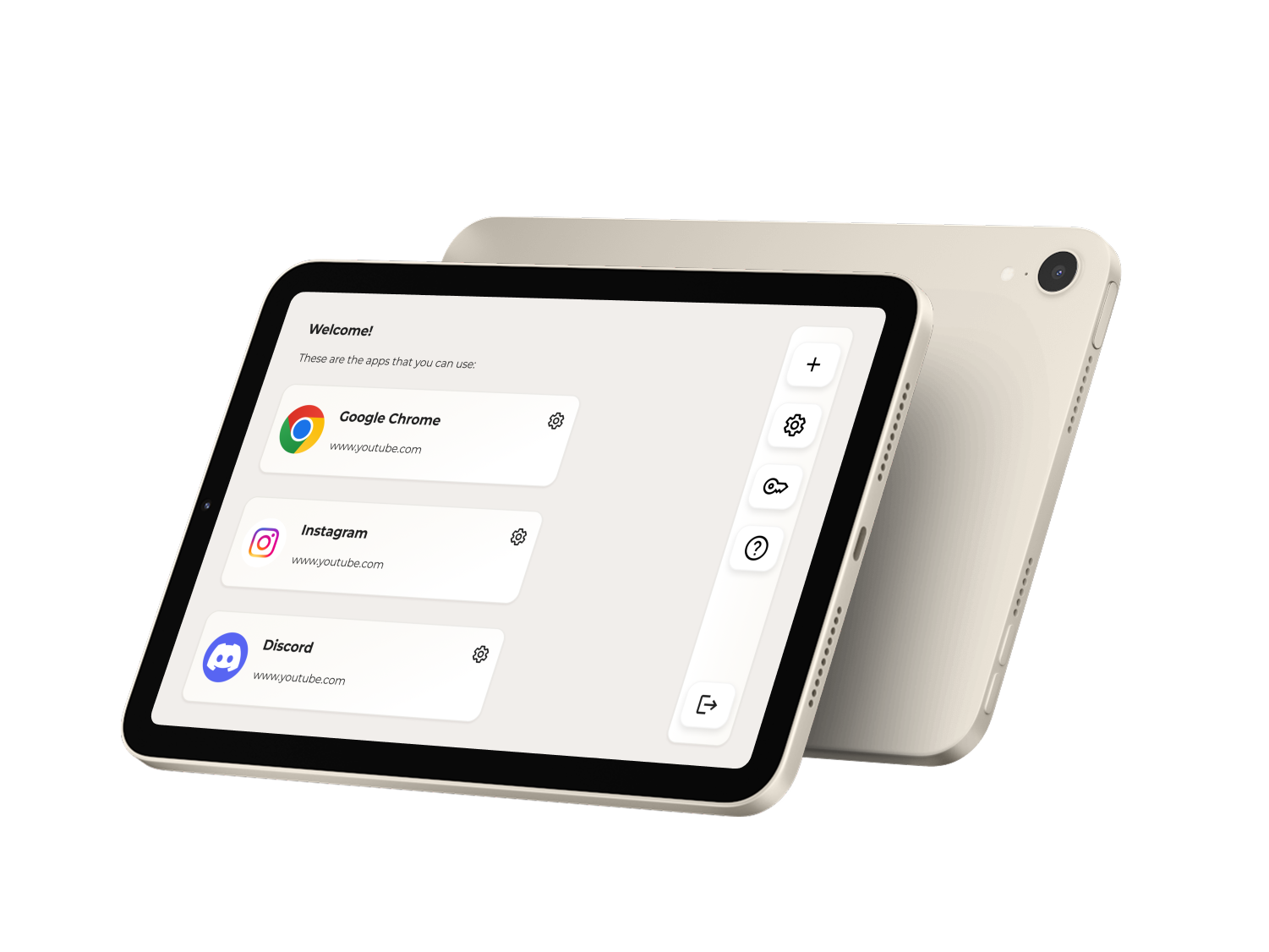
Instead of separate tools, users can manage everything in a single ecosystem.
03
💼 User Needs & Business Value
While solving real user frustrations (poor UX in existing app lockers), the project also opens opportunities for market differentiation in the productivity and parental control app space.

Challenge

How can we improve the user experience and quality for people who want to restrict both app and websites at the same time?
keyboard_double_arrow_down keyboard_double_arrow_down keyboard_double_arrow_down

Users & Pain Points

I had examined over 5 application that promises *locking my screen* and *blocking using other apps*, however; none can truly locked my screen neither stop me from roaming around the Internet.

Here is what I found out:

👉 Users, especially parents want to have control over their children's screen time and history.

👉 Users should be able to lock certain websites and stick in this website link only.
Problem?

01
❌ Uncertainty
Many app lock solutions focus solely on applications, leaving website restrictions as a separate task.
02
❌ No reminders
Users struggle with unintuitive interfaces, unclear feedback mechanisms, and weak security options.
There is always a possibility of improvement.
How?
keyboard_double_arrow_down keyboard_double_arrow_down keyboard_double_arrow_down

So...
The solution is...

🤝 Customization & Flexibility-Drive Engagement
Some users need strict parental control, while others use it for self-discipline.
🤖 Seamless User Flow Retains Engagement
A smooth navigation system, quick action buttons, and instant feedback keep the process intuitive and frustration-free.
📅 Security & Privacy Matter Most
Many existing app lockers rely on outdated PIN/password systems, while biometric authentication offers a faster, more secure experience.

Conclusion

With its improved user engagement and user-friendly solutions, it can be a great tool for users who want to strict their device screen.

What we did?

❤️🩹 Manageable and easy-to-follow system for parents.

🤩 A software that offers trustable and childproof.

😌 Offered a calm and stress-free interface for users.